
01 / CHOOSE YOUR STARTING POINT.
Have artwork already? Card Studio is $0.99 for one project and includes 3 concept credits, art uploads, manual stat editing and three export formats. It does not include image generation. You can write the card text yourself and go straight to uploading your artwork.
Starting with an idea? Complete is $4.99 for one project, including 10 concept credits and 4 image credits. Both are one-time packs with no monthly subscription. Check current availability before purchasing; Collection is not available yet.
After payment is confirmed, open the editor from your order page. Keep a way back to the order and download a project backup as you work.
02 / WRITE ONE CLEAR IDEA.
Open The story. In Your character’s story, describe a character, a visual detail and one unusual power. A brief is limited to 280 characters. Here is the actual saved brief for Echo Mural:
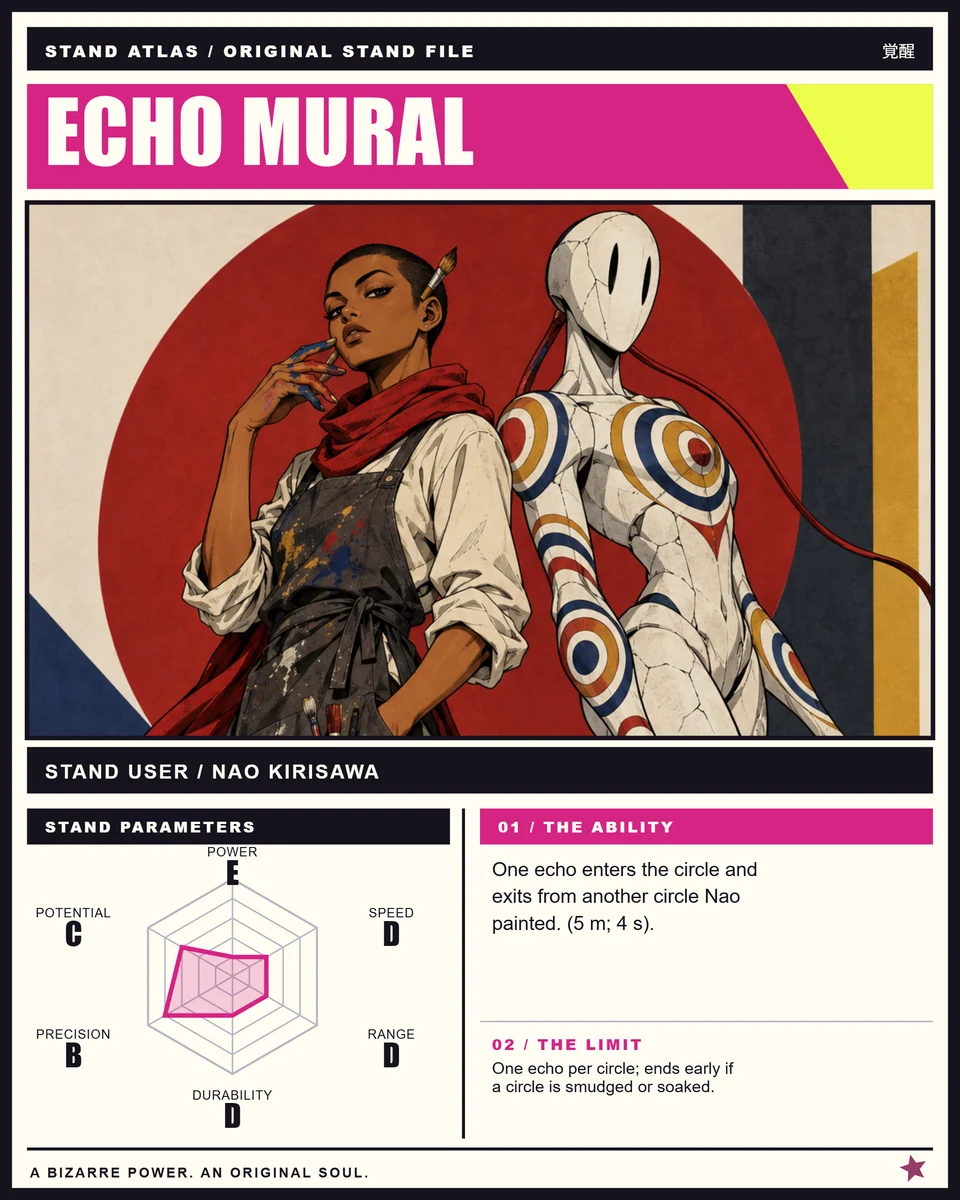
A patient street artist with a long red scarf whose Stand redirects one nearby echo through painted circles.
For this example, select Classic Stand duo under World and Time & echoes under Power theme. Select Create concept to request the name, ability, weakness, stats and mechanism. This uses a concept credit; it does not generate an image.
For a rider scene, select Desert rider · horse & Stand. Keep specific requirements in the brief, and check that the returned concept preserves them.
03 / MAKE THE POWER READABLE.
The returned card text for Echo Mural is concrete enough to test in a scene:
Echo Mural / Nao Kirisawa
Ability: One echo enters the circle and exits from another circle Nao painted. (5 m; 4 s).
Weakness: One echo per circle; ends early if a circle is smudged or soaked.
Expand Review & edit the mechanism. Check activation, effect, range, duration, limitation and counterplay. If you change a mechanism field, select Apply mechanism to card to synchronize the card text and range grade.
Read all three review checks. Confirm that the character details survived, that the ability and counterplay agree, and that timing and grades fit the rule. Tick the checks only after reviewing, then select Confirm this version. Artwork generation requires a reviewed version; changed details may need another review.
Keep the rule short: one echo, two painted circles, five meters, four seconds. A soaked or smudged circle gives an opponent a clear way to stop it.
04 / GIVE THE USER AND STAND A SHARED SCENE.
With Complete and a reviewed concept, select Generate artwork. Classic duo requests a character and Stand in the same scene. Choose the manga edition before requesting artwork if you want the black-and-white illustration direction. Each new image request or variation uses one image credit.
Solstice Ledger is another completed project. Its saved brief requested an adult courier in a red diamond-pattern suit and a compass-mask Stand that stores harmless sunlight for five seconds, with one human, one Stand and no horse.
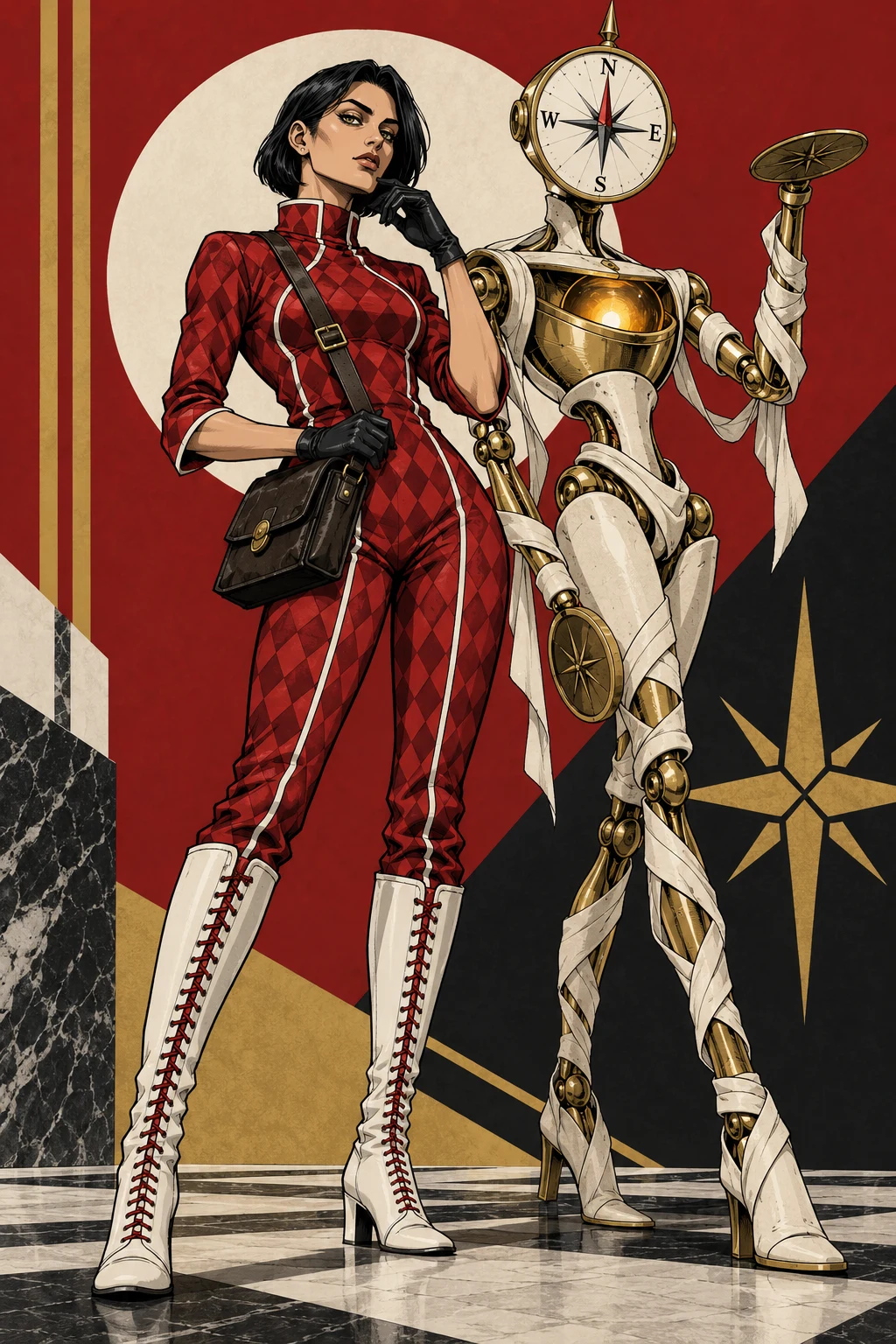
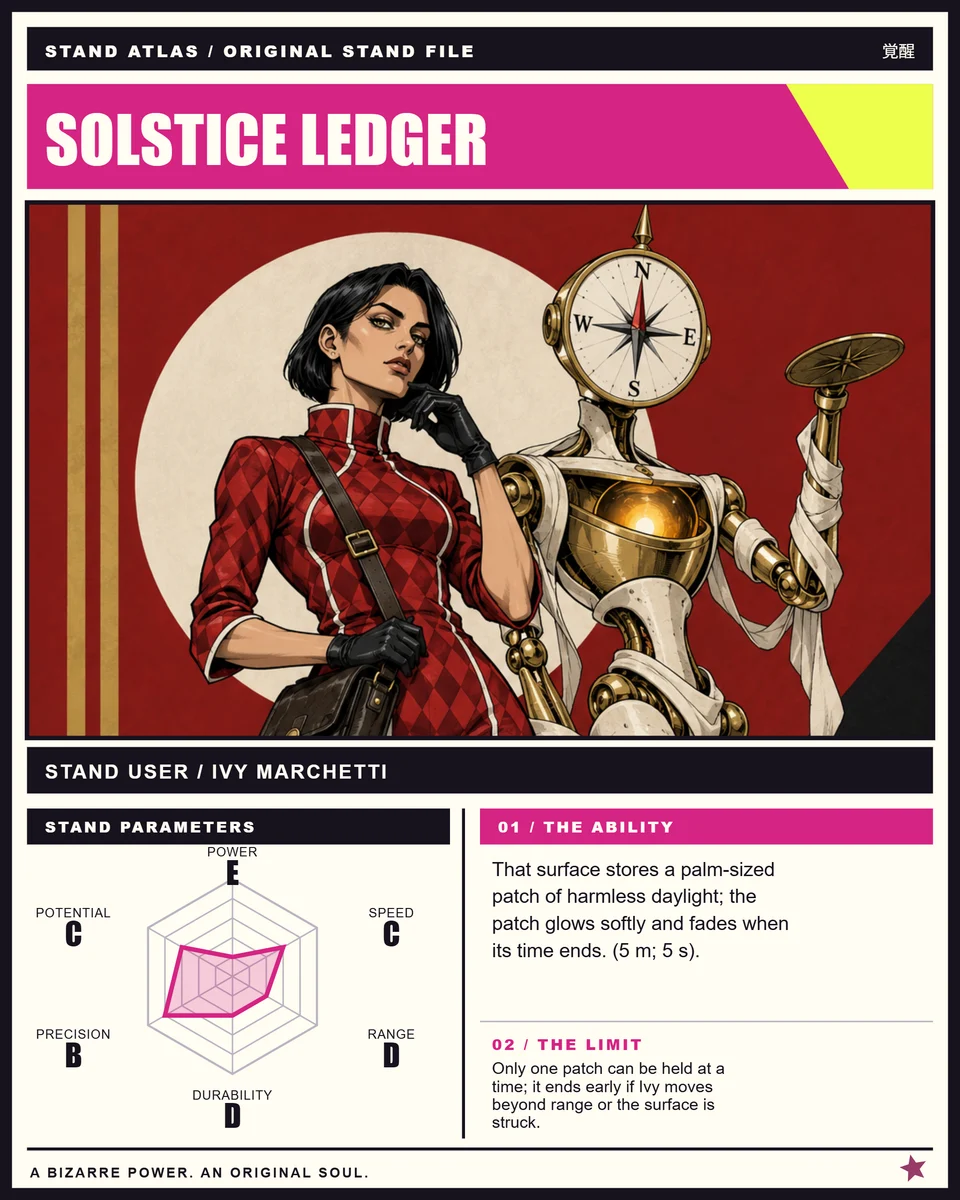
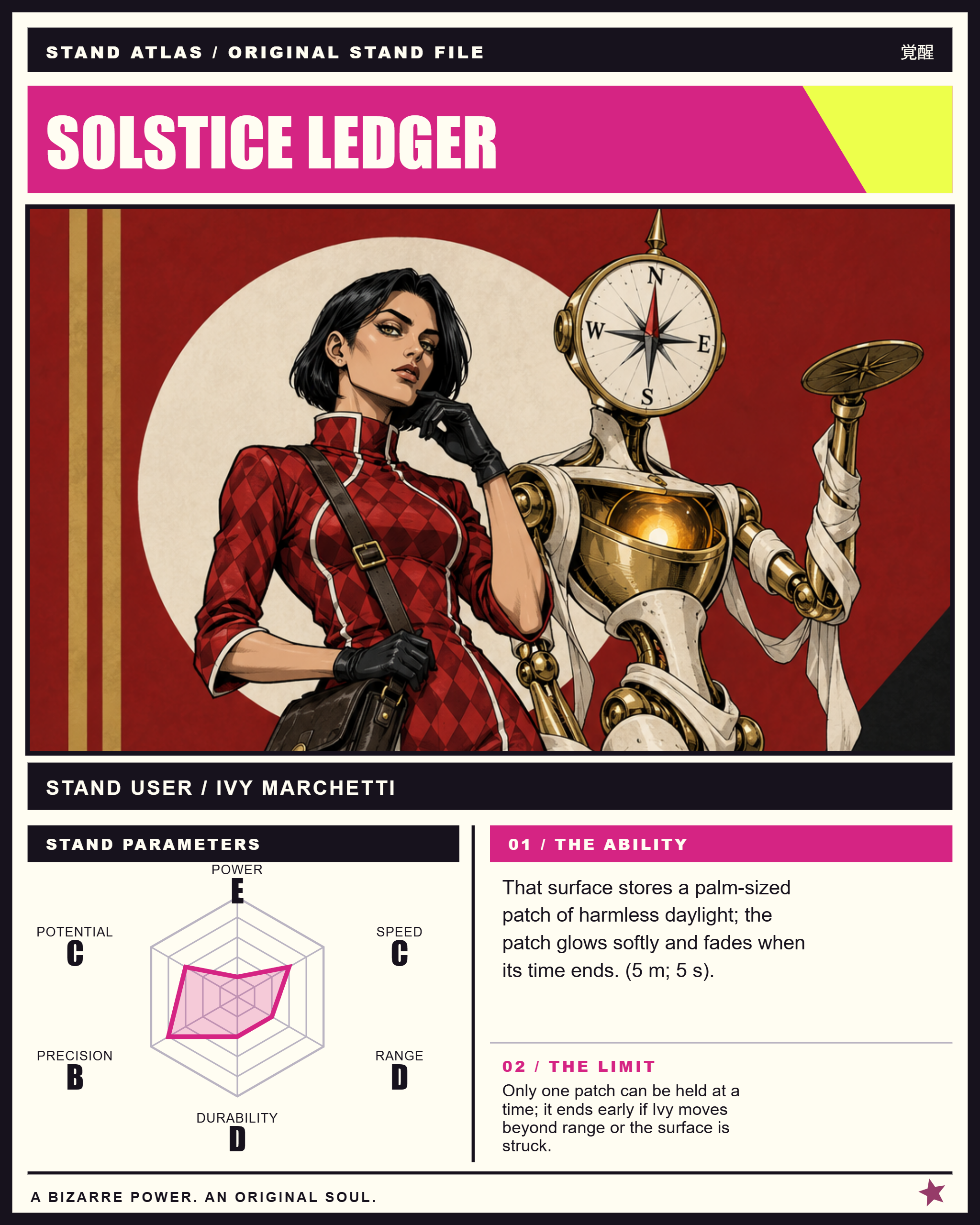
Check the image before spending another credit: character count, face visibility, costume details, the Stand silhouette and the requested scene. Generated results can vary; changing a name or grade manually does not redraw the artwork.
05 / OR BRING YOUR OWN ARTWORK.
In Artwork, select Upload Stand artwork. Use a JPG, PNG or WebP file up to 10 MB that you own or have permission to use. The editor resizes large uploads for the card, so a larger output canvas does not restore detail missing from a small source image.
- Already drew both characters? Upload that scene as one image.
- Separate character portrait? Use Add a character portrait. It places the portrait alongside the artwork; it does not generate a new combined illustration.
- Classic scene cropping: adjust Vertical crop and inspect faces and hands in the preview.
- Desert rider scene: the full scene stays in frame; vertical cropping is disabled.
- No art yet? Choose Use a text-only card and keep working on the rules and stats.
Uploaded artwork is not sent to the image-generation service. Save to order stores your project and its images with the order so you can restore it later.
See the Stand card maker and sample files ↗06 / SET THE SIX GRADES AND CARD EDITION.
Open Parameters and set each slider from E to A. Echo Mural’s saved grades are:
These grades describe the original example, not an official ranking. Use them to support the ability rather than making every parameter A. Manual stat changes and text edits do not spend credits.
In The story, keep the ability within 180 characters and the weakness within 120. Read the card preview as well as the text fields: long text may be shortened to fit.
In Edition, choose Anime Color, After Midnight or Manga Ink. Manga Ink renders the artwork in grayscale. Switching an edition changes the card presentation; it does not regenerate the image or alter your original upload.
07 / SAVE THE PROJECT. EXPORT THE CARD.
- Select Save to order and wait for confirmation that the project and images were saved.
- Select Save project for a local JSON backup. Use Restore project when you need to load that editable backup.
- Choose Stand card, Social square or Duo poster. Check the preview for cropping and text.
- Select Export PNG. Wait for the download, then open the file to check the result.
Echo Mural was actually exported in all three layouts below. These original downloads let you inspect the dimensions before choosing a pack.
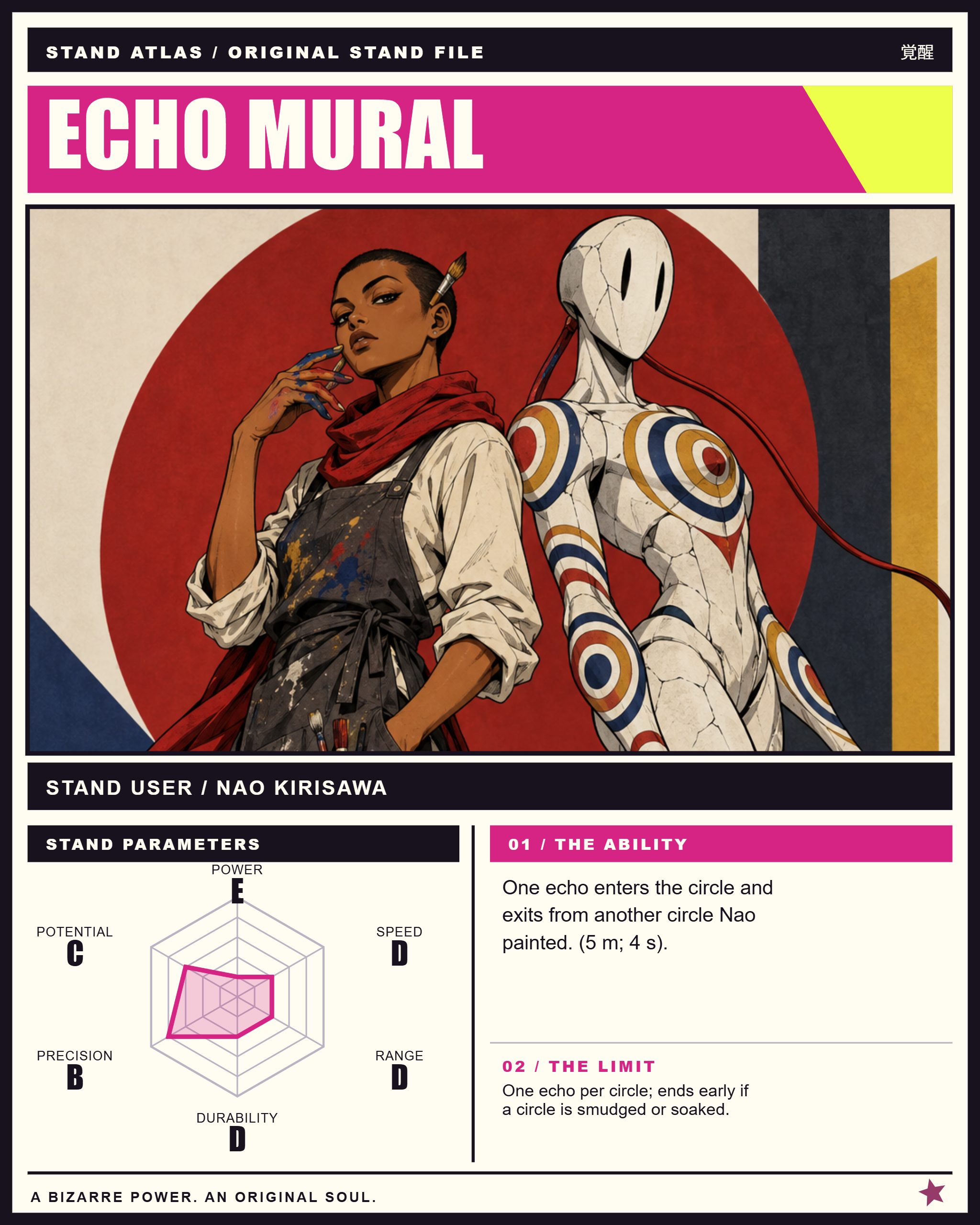
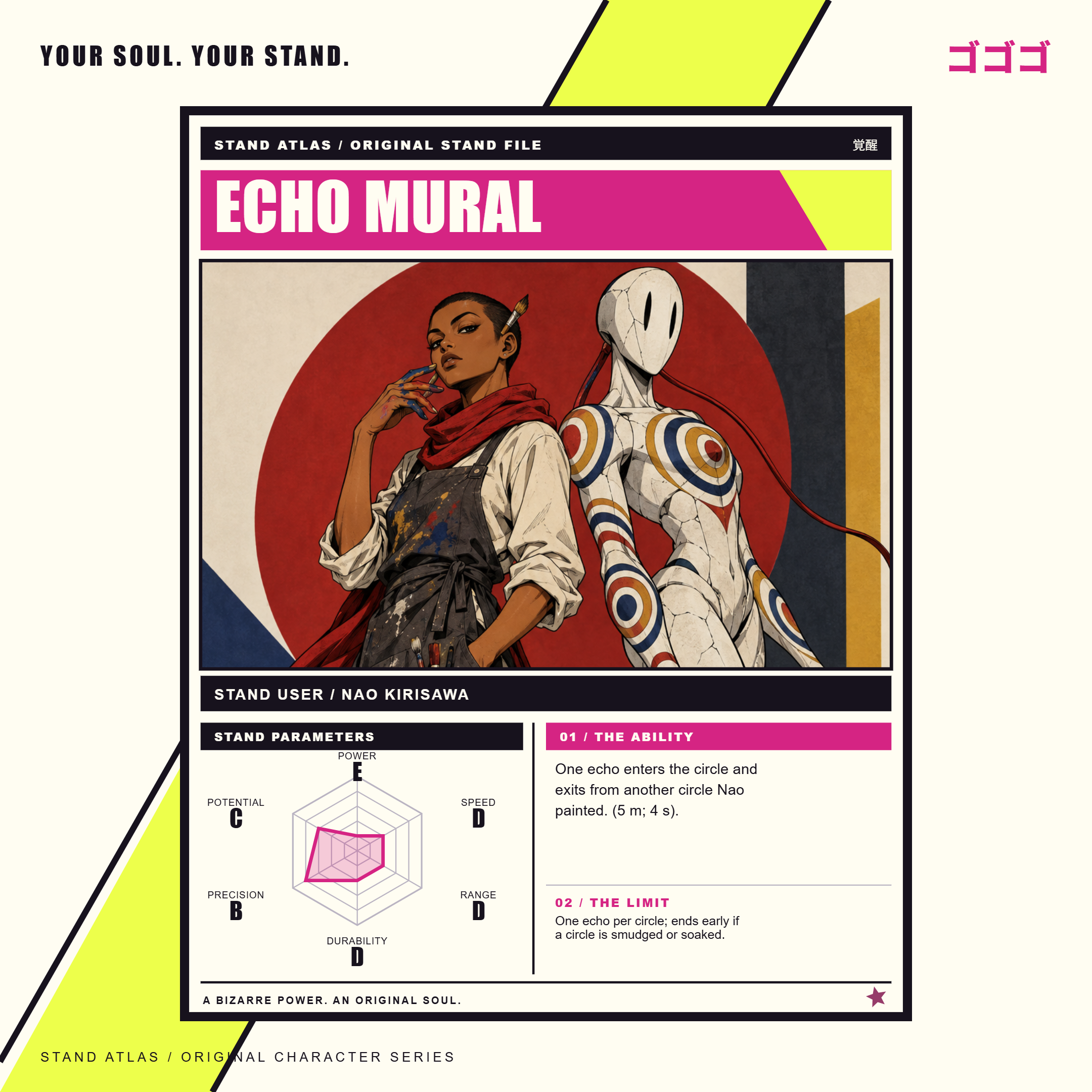
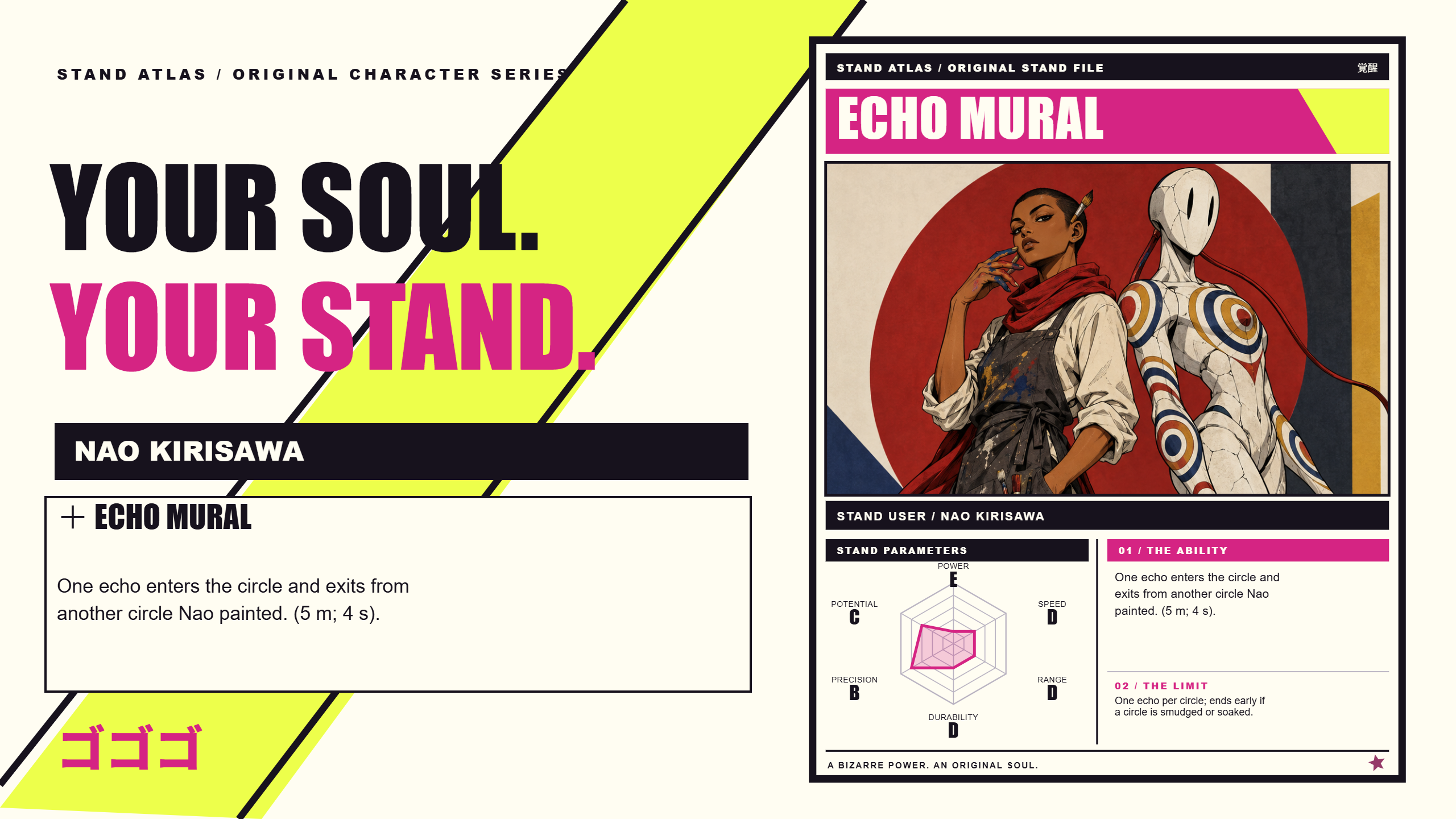
The PNG is a finished image; it cannot restore editable text and stats. Keep the JSON backup as well as the picture.
IF SOMETHING GETS IN THE WAY.
Generate artwork is disabled
Check that your pack has image credits and that the current concept has been reviewed and confirmed. Card Studio does not include image credits. A pending generation also prevents a second request.
A generation is still pending or the page lost its response
Use Check pending job for the existing request. This checks the same job without submitting another generation. If the status stays unknown, keep the request ID and contact support through your order page or Contact. Confirmed system failures return the generation credit.
The exported image crops a face or truncates text
Try the vertical crop control for a classic scene, shorten the ability or weakness, and recheck the chosen format. Manual changes and re-exports do not consume credits.
I cannot find my editable project
Return to the order where you saved it, or use Restore project with your JSON backup. A downloaded PNG alone cannot restore the editor fields.